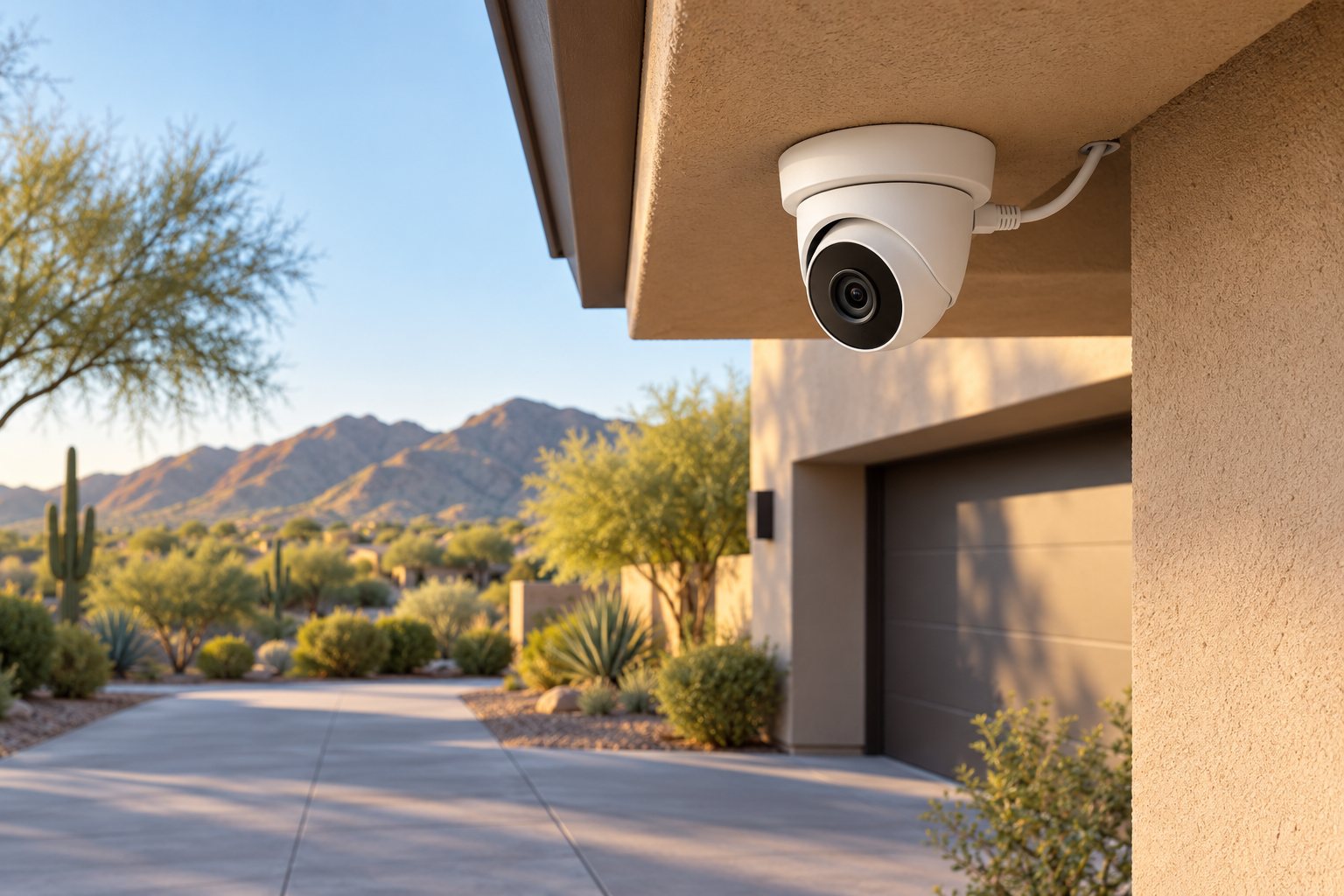
If you want cameras at several permanent locations around your home, PoE is worth discussing before buying individual Wi-Fi cameras. It combines a wired network connection and power delivery at the camera, making the cable route part of the system design rather than an afterthought.
For a Greater Phoenix home, that can be a useful approach to driveway, entrance and side-yard views when suitable cable access is available. The advantage is a planned wired connection. It does not automatically guarantee better pictures, uninterrupted recording or the right coverage.
What does PoE mean?
PoE stands for Power over Ethernet. Compatible equipment sends electrical power and network data over the same Ethernet cable to a supported device. That lets a suitable camera receive both through one cable instead of needing a separate power lead at its mounting point.
The cable must connect to compatible power-sourcing equipment. Depending on the system, this may be a PoE switch, an injector or a recorder with suitable PoE camera ports. An ordinary Ethernet socket should not be assumed to provide power. Axis describes how a PoE midspan supplies power while allowing data communication over the camera’s network cable. Axis explanation of PoE power and data
The camera, power source and recording equipment still need to be matched. PoE describes the connection and power arrangement; it is not a promise that every camera works with every recorder.
Why choose a wired connection over Wi-Fi?
A PoE camera using wired Ethernet does not depend on a Wi-Fi signal at that mounting location for its video connection. That is a concrete reason to consider it where a proposed camera location would otherwise rely on wireless coverage beyond the house.
For example, suppose the view you need is along a side yard rather than beside the router. With PoE, the planning question becomes whether a suitable cable can reach that location and connect to the intended equipment. You still need a sound network design, properly installed cable and working hardware.
This can also make sense for a permanent multi-camera plan: identify each view, map each run and label the connections at the equipment location. PHE’s security camera installation service considers camera placement, wiring, recording and supported remote viewing together.
PoE can simplify power at the camera, but the system still needs power
With compatible PoE equipment supplying the camera, a separate nearby camera power outlet may be unnecessary. It also avoids routine battery charging for that PoE-powered camera. The switch, injector or recorder supplying it still needs electrical power.
Ask the installer to check both each port’s capability and the total power available for the proposed cameras. Axis distinguishes typical and maximum camera power consumption and notes that cable power losses matter to a realistic system estimate. A design should use the selected equipment’s requirements rather than treating all cameras as identical loads. Axis camera power-planning guidance
If operation through a power outage matters, ask which cameras, network components and recording devices would need backup power and what runtime is being designed. A PoE label alone does not establish outage protection.
Choose recording separately from the cable type
Decide whether you want continuous recording, event clips or both, and where recordings should be stored. Ask how long footage is expected to remain available under the proposed settings and storage capacity. Confirm how you will find and export a useful clip.
A network video recorder, or NVR, is one possible recording destination. PoE itself does not determine retention, cloud subscriptions, recording schedules or remote-access requirements. Those depend on the camera, recorder, services and configuration.
For one manufacturer-specific example, Reolink documents local functions for its PoE cameras without internet, including supported SD-card recording, while remote viewing and push notifications are unavailable in the listed offline configurations. It also describes local viewing and playback when cameras connect directly to its NVR without a network. These details must be verified for the chosen system rather than assumed for every PoE product. Reolink guidance on PoE systems without internet
The cable installation is the main tradeoff
PoE is especially worth evaluating during a remodel or when accessible routes already exist. In a finished home, the proposal should explain how cable reaches each camera, what will remain visible and whether any access openings or finish repairs are needed.
Mark the desired views before deciding where holes go. The easiest cable exit may not give the most useful view of an entrance. Have the installer assess mounting, field of view and the route together. Coordinate any electrical or repair work separately.
Wi-Fi cameras can remain a reasonable option where running cable is impractical. Their suitability needs its own review of wireless coverage, power and recording requirements. The next article in this series will address those choices.
Plan for Phoenix installation conditions
Review the actual mounting conditions: afternoon sun, shaded eaves, dust, moisture exposure and access for cleaning or service. Check the selected camera’s operating limits and installation instructions, along with cable and connector protection. An outdoor label is not a substitute for that review.
Also decide where the recorder and networking equipment will live. Do not assume a hot garage or enclosed cabinet is suitable. PHE’s home networking service and AV integration planning can support a discussion of how the camera equipment fits into the rest of the home.
Discuss a wired camera plan with PHE
Send photos of the areas you want to see, existing camera locations and any accessible wiring spaces. Tell us whether your priority is live viewing, continuous recording, event review or a combination.
Request a Quote to discuss PoE security cameras, cable access and recording choices for your Greater Phoenix home.