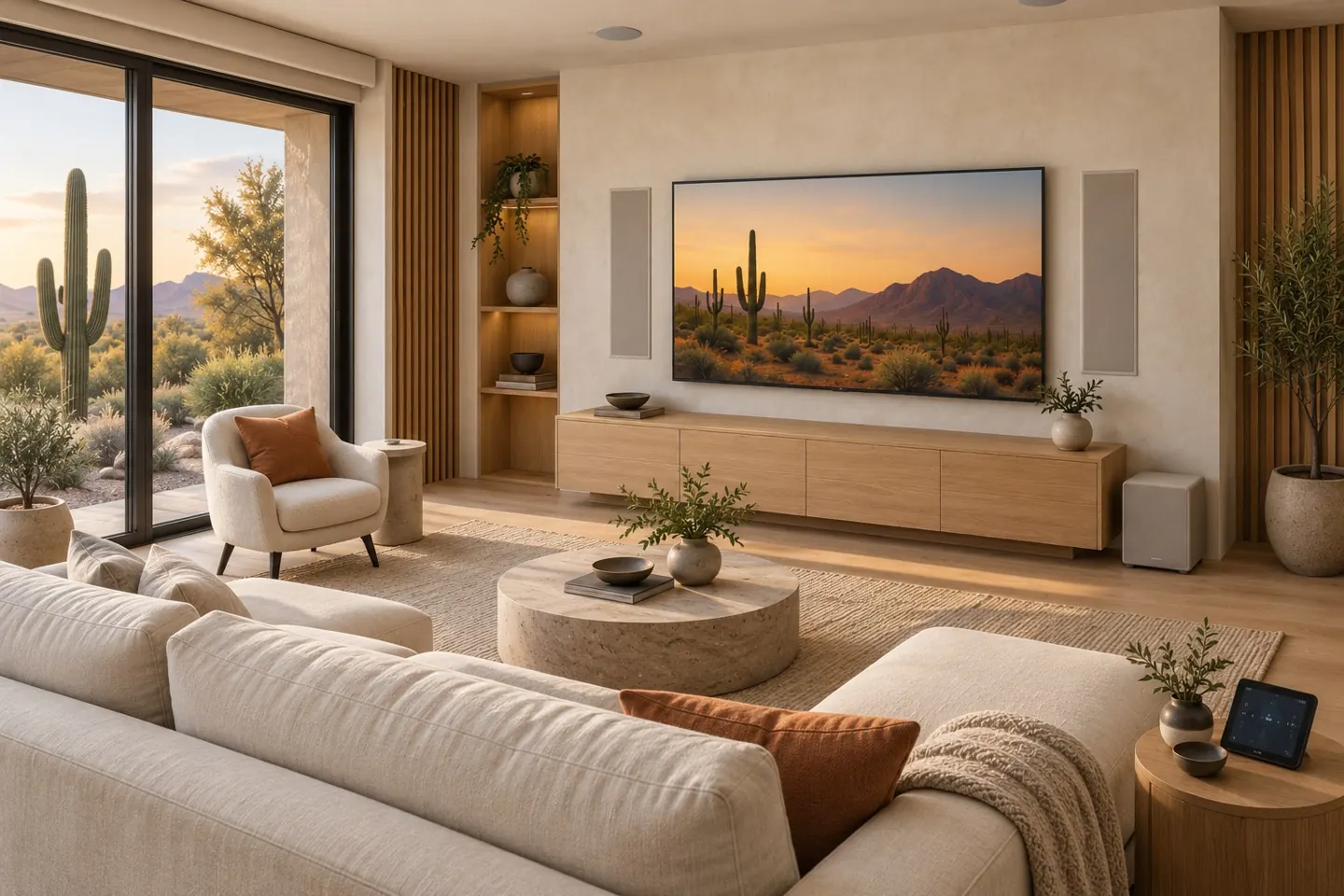
A movie night should not start with a search for the right remote. If your home has separate controls for the TV, audio, lighting, and shades, the useful question is how to make those systems easier to operate together. Nice ELAN OS is a home control platform designed to organize supported equipment into a coordinated experience.
For Greater Phoenix homeowners considering smart home automation, the value comes from the tasks the finished system makes simpler. Start with how you watch television, listen to music, and use each room, then choose the equipment and programming that support those habits.
What is ELAN OS?
ELAN OS is the software platform behind Nice/ELAN home control systems. It provides the control experience for a configured installation rather than functioning as a universal app that automatically connects every smart device. Nice’s OS 9 documentation describes media, lighting, climate, security, and other subsystem updates within the platform. The functions available in a particular home depend on its compatible equipment and configuration. Nice ELAN OS 9 guide
A successful installation needs a plan for the controller, user interfaces, device connections, and programming. The software and the physical AV system should be considered together.
Start with simpler TV and music controls
Write down the steps you take to watch a favorite streaming service. Do you turn on the TV, select an input, power the receiver, and change the audio source? Those steps provide a concrete starting point for an AV control proposal.
Ask the integrator to demonstrate a proposed Watch TV activity using the exact devices in your project. Confirm what it will turn on, which source it will select, and where volume will be controlled. An activity that coordinates those actions is a design goal to verify, not a promise that every existing device supports the same commands.
For music, identify which rooms should play independently and which should share a source. Clear room names and understandable source choices are part of making the controls useful. PHE’s whole-home audio service considers listening areas and amplification alongside daily operation.
What does ELAN OS 9 add?
Nice documents a Routines feature that lets end users and installers build supported automation sequences from the Viewer interface. Its guide also describes Personalization v3.0, which carries user settings, favorites, permissions, and themes across most Viewer interfaces. These features should be evaluated with the interfaces and devices selected for your home. OS 9 routines and personalization details
Nice also lists surveillance interface improvements, event-based video summaries, and communication features involving its new cameras and supported Viewer endpoints. These are system features with equipment requirements; updating software alone should not be assumed to add them to every existing camera installation. Nice ELAN OS 9 overview
Some functions have separate license requirements. For example, Nice identifies a Nice Voice license requirement for motion-triggered smart announcements and doorbell event messaging. Ask for applicable equipment and licenses to be identified in your proposal before choosing those features.
Plan automation around the room
A movie activity could include supported lighting or shades as well as AV controls, if the selected devices and programming allow it. For a living room used throughout the day, discuss separate activities for watching television and listening to music rather than assuming one scene suits every occasion.
In a Phoenix home, daylight and shade position are useful parts of the viewing discussion. Describe when glare is a problem and whether your existing shade motors have a supported control path. That gives the installer a real outcome to assess without assuming that every motorized shade can be integrated.
PHE’s smart home automation service can be discussed alongside the home theater installation so the room and controls are planned together.
Can your existing equipment be reused?
Possibly. Gather model numbers for the TV, receiver, media sources, audio components, existing controller, and any lighting or shade systems you want included. Ask which functions are supported for each device and whether additional hardware or programming is needed.
If you already have an ELAN installation, request a system assessment before an OS update. The useful questions are whether the installed hardware supports the proposed release, what changes are needed, and which new functions the actual installation can deliver. A software version number alone does not answer those questions.
Choose controls your household will use
A phone app, handheld remote, and wall touchscreen serve different daily habits. Nice provides Viewer applications for iOS, Android, macOS, and Windows through its official control-system resources. Confirm the supported interfaces and requirements for your proposed configuration.
During the walkthrough, have the people who use the system try their normal tasks. Can they start the TV, select music in the right room, adjust volume, and stop an activity? Ask how future equipment changes, troubleshooting, and support will be handled. Those details help make the installation useful beyond the first demonstration.
Discuss ELAN OS with Pro Home Entertainment
Pro Home Entertainment is a family-owned AV integration company serving Greater Phoenix. We plan controls around your equipment and the way you use your home. Explore our Nice ELAN control systems service and AV integration approach, then share the rooms, devices, and daily tasks you want to simplify.
Request a Quote to discuss ELAN OS, compatible equipment, and a practical control plan for your home.